I was able to fix it by just using the File Reader and parsing the CSV in the Custom Node itself. All good now! It looks like the CSV Reader has some issues with larger files and I also ran into some encoding issues. It looks like those problems manifest themselves downstream in the Custom Nodes. So weird!
Example failed runs are here: https://www.gumloop.com/pipeline?run_id=ZZRnGZ9LVQTi3KnrNzkD2S&workbook_id=5yfaq3ik3Ep8HhcGKh3kjd and https://www.gumloop.com/pipeline?run_id=bf24N8majq9DWjiPh2SNF7&workbook_id=vMZkfnrWPztBU1foZfo7QG
Thank you for sharing! It seems like a similar issue.
I’ve shared a new custom node with you titled CSV to XML Transcript Formatter- GMLP – you can look it up in the node library and replace your current one or use the workflow here: Gumloop | Automation Builder
Let me know if that works out.
It works! I am so confused 
Yeah sorry about that, we’ll fix this on the root level to avoid such confusions!
One more problem: I keep getting an issue when trying to read a Google folder full of files. I think I am doing it right. Can you check? https://www.gumloop.com/pipeline?workbook_id=b3TB5AWYda5jCrpECkgEkS&run_id=3TTQdHxr2bRXmDhimZC6ic
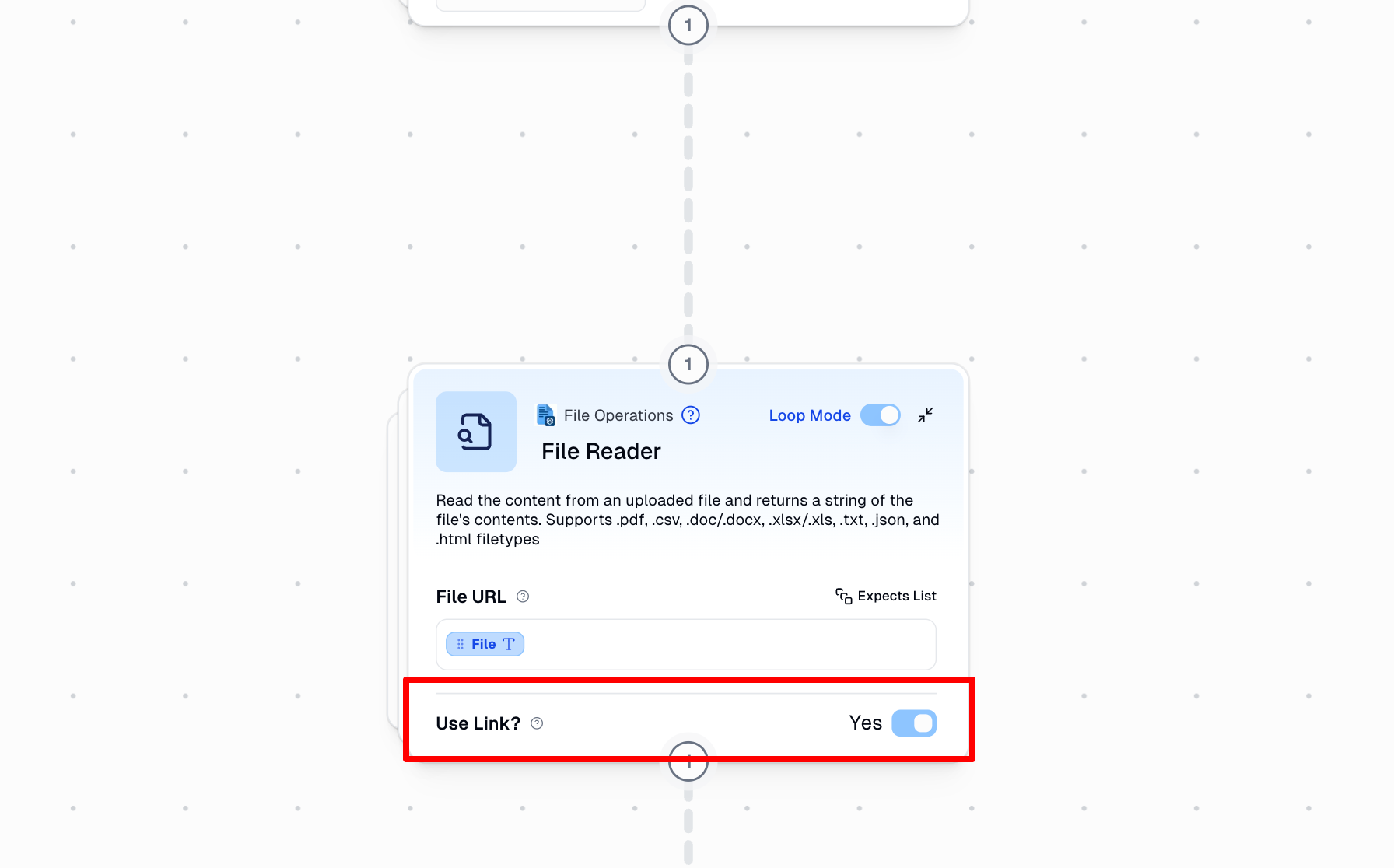
Hey @miklernout – The Google Drive File Reader node outputs the file object itself (not the file link by default) however the File Readernode is set to Use Link and hence is expecting a URL input
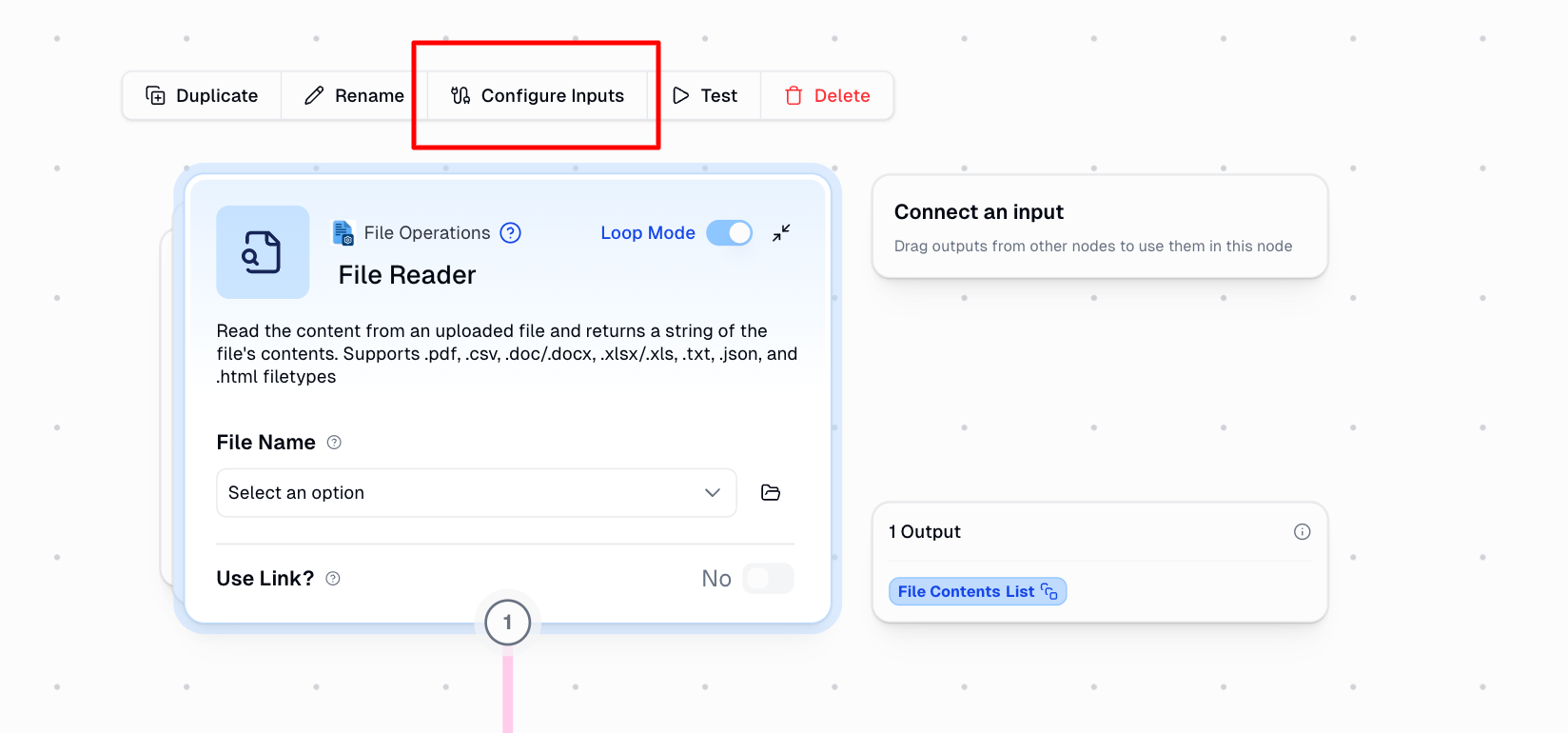
The fix would be to disable Use Link on the File Reader node, then hover over the File Reader node, and click on Configure Inputs :
Then you’d need to enable File as an input and connect with the Drive node:
Let me know if this makes sense and works for you