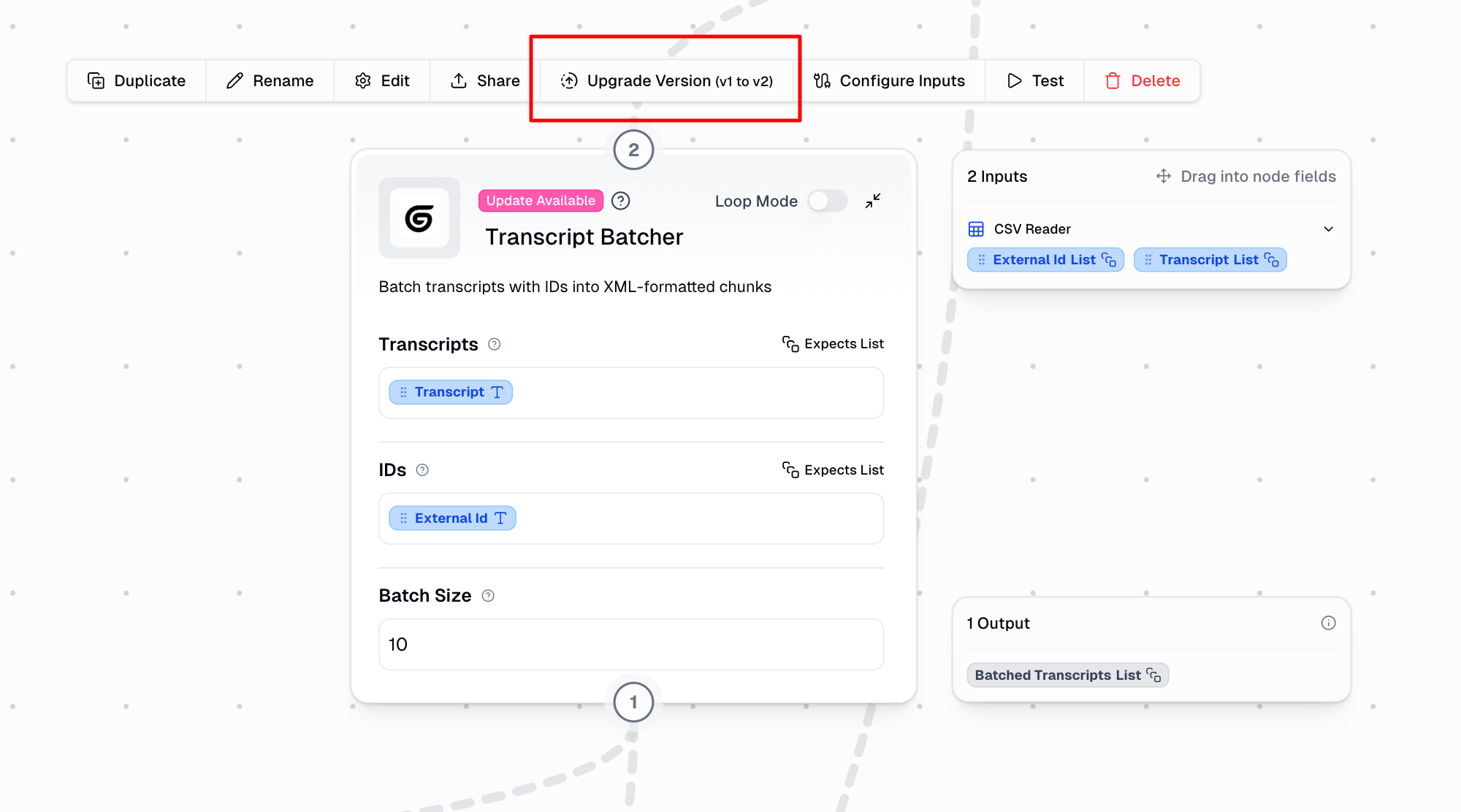
None of my Custom Nodes are executing or saving. They all return the following error, which is outside of the editable code block:
The code in the function body raised the following error:
Command exited with code 1 and error:
Traceback (most recent call last):
File “/index.py”, line 85, in
print(‘_FUNCTION_OUTPUT_\n’ + str(main(**args)))
^^^^^^^^^^^^
TypeError: main() got an unexpected keyword argument ‘transcripts’
Hey @miklernout – Does this happen when you create a new a new custom node or on an existing custom node?
Do you have an example of a failed run? You can find failed runs from the Previous Runs tab
Has happened with both an existing and
a new node:
And here is a link to the run: Gumloop | Automation Builder
Got it, this seems to be specific to this custom node. Do you mind adding me as an editor on this node please so I can take a further look and fix it for you. You can add me as an editor on the custom node by hovering over the node, clicking on “Share,” typing in my email (wasay@gumloop.com), and then selecting the three dots to make me an editor.
Just added you! I recreated this node from scratch and it ran into the same problem!
Just made you an editor as well!
Great, thank you. The issue was that the parameters Gummie generated had a typo. They were capitalized when they should have been in normal case. This caused a case sensitivity mismatch between the parameter names in the function signature and what was being passed to it. It should be resolved now.
Do you mind refreshing your workflow, hovering over the node, and updating the version?
If you’re curious how I resolved it, I just copied the error message, hovered over the custom node, clicked edit and when the Gummie chat opened, pasted the same error message, and had Gummie resolve the issue for me. It’s like going back and forth with the AI to fix issues in the code.
Just updated and ran it again, the issue still is there?
When I run Gummie it suggests me to change the main call, but that is read only when I access the code directlly
Interesting. Could you please give me editor access again on the custom node account? It looks like it was revoked and I no longer have editor access.
Also, for the Gummie chat, are you currently chatting with the Gummie that’s on the workflow page in the workflow builder, or the one specific to that custom node? I’d recommend chatting with the Gummie tied to that custom node since it has the full context about the node and can directly edit the code for you. To do that, hover over the custom node, click edit, and it will open a separate Gummie chat that’s specific to that node.
Once you’ve given me editor access again, I’ll be happy to take another look.
Just added you again (I recreated it from scratch to see if that would fix it). I tried chatting with Gummie both inside and outside of the custom node
Great, thank you so much for your patience. I was actually able to make it work directly.
Do you mind running the workflow below and then sharing the run link? Once you run it, you can simply copy the URL from your browser and send it over.
https://www.gumloop.com/pipeline?workbook_id=vMZkfnrWPztBU1foZfo7QG
If you’re still running into the same issue, would it be possible to see the CSV structure? If you can, please either email me (wasay@gumloop.com) the CSV or share a small snippet of it – that would be super helpful.
I just ran it and it works! What was the issue? Super curious and want to make sure I don’t get stuck next time. Thanks!
Glad to hear that! It turned out to be a case sensitivity issue between what the Gummie-generated code was using as parameters and what the code actually expected.
I’ve made a note of this and we’ll issue a more robust fix to prevent similar issues in the future. You should be all set for now though.
I’ve also added some credits to your account to make up for the trouble.
Awesome. Thanks so much! Did you fix it in the manual code section?
Yes! By editing it manually:
Step 1:
Step 2:
I am so sorry, but the error is back and I think it is related to the previous step in the flow instead. I had switched while testing to a smaller CSV file and that is when it started working again. Did not make the link. But when I switch back to a larger file, the error returns. It looks like the limit is somewhere between 1 and 2 MB.
Do you have any clues on how to fix that?
Mik
Interesting. Could you share the failed run link please? You can find it from the Previous Runs tab.